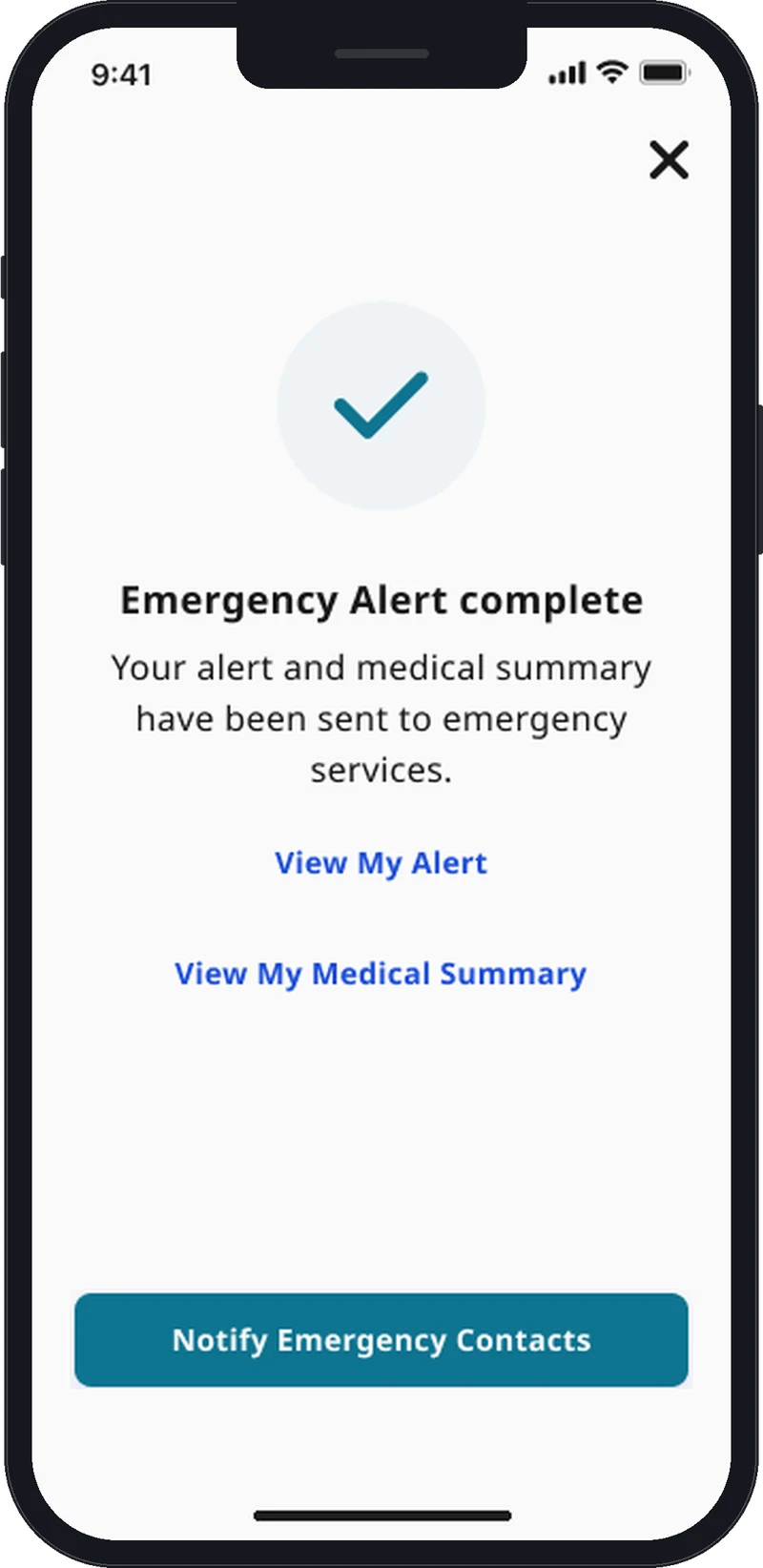
The 999 app for when you can't speak
Contact 999 without saying a word
TapSOS is a free app that lets you reach the Police, Ambulance, Fire & Rescue and Coastguard using pictures and simple questions instead of your voice.
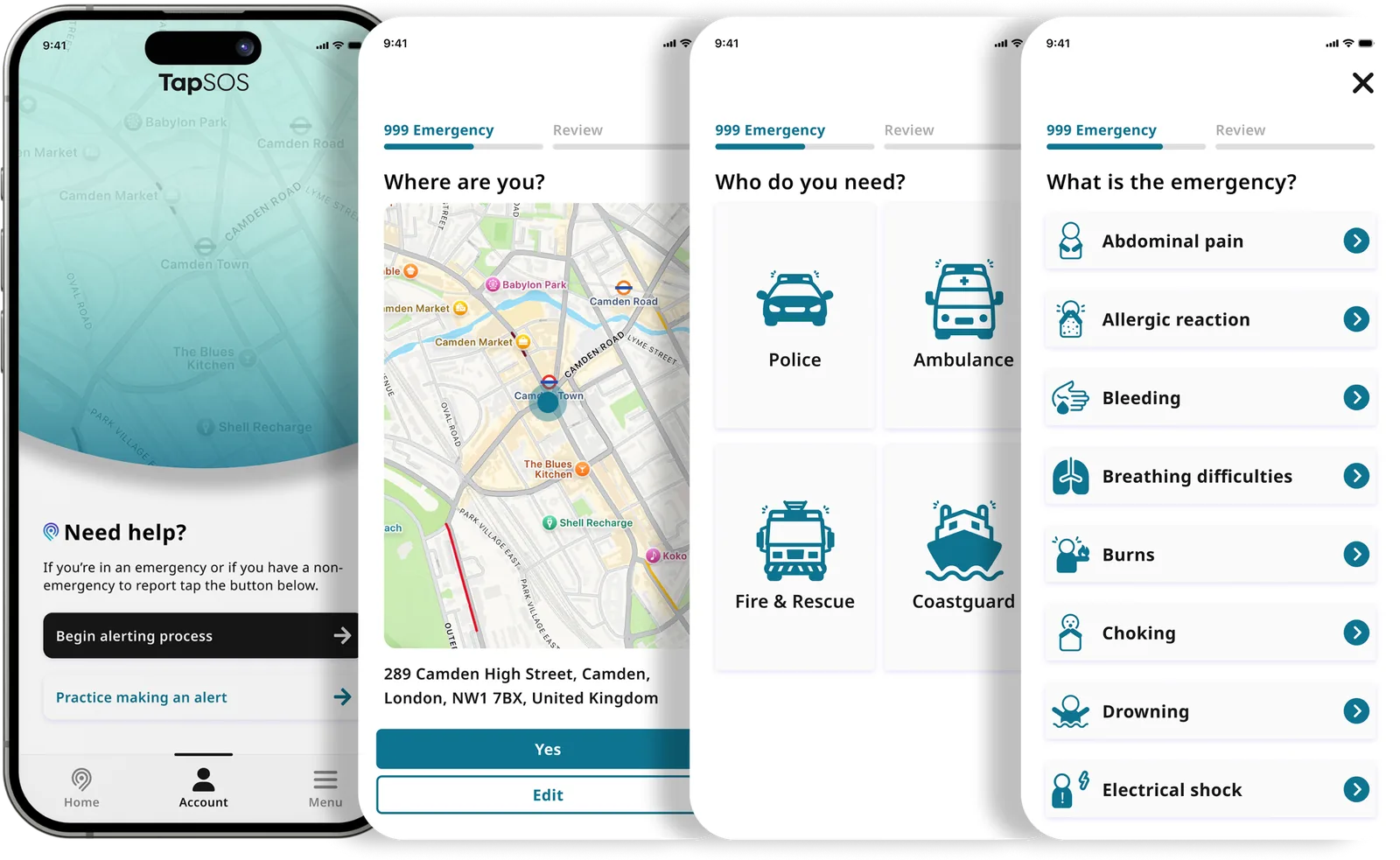
All four UK emergency services, in one app
TapSOS was the first 999 app accredited to reach all four UK emergency services. You choose who you need with a single tap.
 Police
 Ambulance
 Fire & Rescue
 Coastguard
If you can't speak, you can't call 999
Anyone can lose their voice in an emergency. That is why everyone should have TapSOS on their phone.
Deaf or hard of hearing
For people who are Deaf, hard of hearing or non-verbal, a voice call is not an option.
A medical emergency
A stroke or a diabetic emergency can take away your speech without warning.
Staying silent to stay safe
If speaking would put you in danger, for example from an attacker, you can ask for help silently.
When you can't breathe
Asthma, choking or an allergic reaction can make it impossible to talk.
How TapSOS works
Set up your profile
Add your details and medical information once, when you download the app.
Confirm where you are
Your phone's GPS finds your location, and you can change it if it is wrong.
Choose who you need
Police, Ambulance, Fire & Rescue or Coastguard.
Show what is happening
Tap pictures and answer the same short questions a 999 handler would ask.


Send your alert
It goes to a BT 999 handler, who passes it to the emergency service and replies to you by text message.
Your medical profile
Blood group, conditions, medication, allergies and whether you are an organ donor go with your alert, so responders know what they need to.
Emergency contacts
Add the people who should know when you need help.
Practice mode
Rehearse sending an alert without contacting 999, so you are ready if you ever need it.
Free, and UK-wide
TapSOS is free to download and use anywhere in the United Kingdom.
Trusted
Accredited, secure and built with the people who use it
- Accredited and award-winning
Accredited for use with the UK 999 service, by DSIT (previously DCMS) and BAPCO.
Recognised by the International Critical Communications Awards, Digital Leaders and the Security & Policing conference.
- Works with BT
Alerts reach BT's 999 handlers through the emergencySMS service.
- Accessible by design
Designed with Deaf and disabled people, using clear pictures and simple words.
This website is built and tested to meet WCAG 2.2 at level AA, which is also the international standard ISO/IEC 40500:2025. Read our accessibility statement.
- Secure by design

TapSOS is made by Inclutech, which is independently certified for how it protects information.
- ISO/IEC 27001 information security management, certified by NQA and accredited by UKAS
- Cyber Essentials Plus
- Hosted in the UK on Amazon Web Services
- A published list of the services that help us run TapSOS
- Working towards the UK Government's Software Security Code of Practice
Get TapSOS before you need it
Download the app, set up your profile and try practice mode. It takes a few minutes, and it could save a life.