How TapSOS works
Everything happens through pictures and short questions, so you never need to speak or listen.
Set up your profile
When you download TapSOS you create an account and add your name, mobile number and address. The app then registers your number with BT's emergencySMS service, which TapSOS needs to work.
You can also add medical information, such as your blood group, conditions, medication, allergies and whether you are an organ donor, and the people you want as emergency contacts.
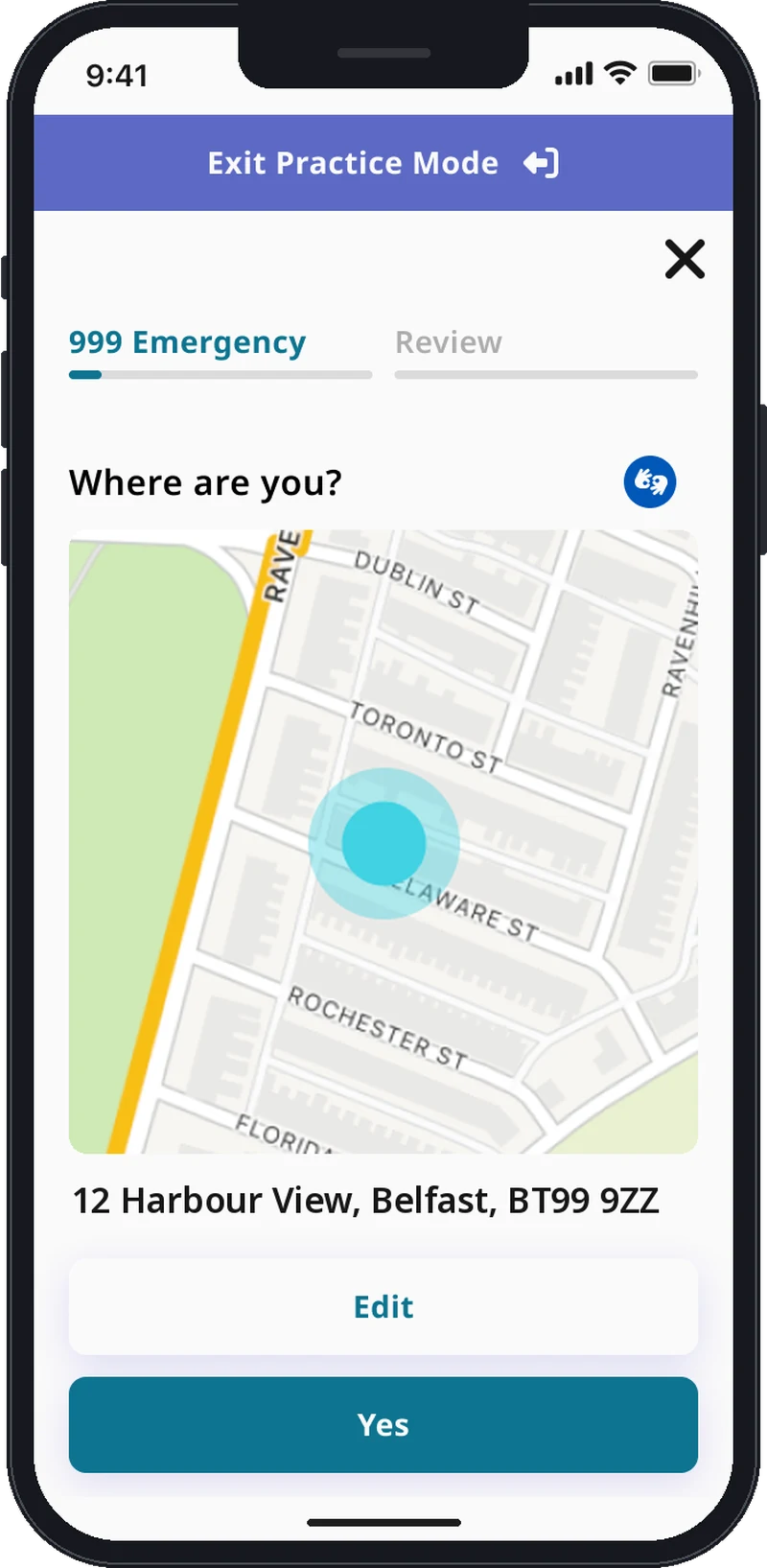
Confirm where you are
Your phone's GPS finds your location and shows it on a map. If it looks wrong, choose Change and enter it yourself.
Choose who you need
Tap Police, Ambulance, Fire & Rescue or Coastguard. If the 999 handler thinks you need a different or extra service, they will arrange it.


Show what is happening
Choose the pictures that describe the emergency, then answer a few standard 999 questions, such as “is everyone breathing” or “any serious bleeding”.


Send your alert
TapSOS turns your answers into a text message. On Android it is sent for you. On iPhone, the message opens ready to go and you tap Send, as you would for any text. You will see it in your messages, addressed to 999.
Help is sent
A BT 999 handler reads your alert, passes it to the right emergency service and decides on the response. Any questions or updates come back to you by text message.
How your alert reaches 999
Your answers, personal details and medical information are put into a text message and sent to BT, whose handlers pass it to the 999 service over the mobile networks. TapSOS is a different way of communicating with 999, not a separate emergency service.
Practise first
Practice mode lets you go through every step of an alert without anything being sent to 999. Try it when you first install the app, so you know what to expect.
Only send a real alert in a genuine emergency. Hoax alerts are monitored and can lead to prosecution.